
AI Product Ad Generator
Turn product images, reference media, and prompts into ecommerce video ads, UGC-style creatives, and social product videos.
67
UGC
TVC
Product Launch
Tutorial
Problem & Solutions
Unboxing
Money Shot
Try-On
Create AI product video ads from images and prompts
Seedance 2 is an AI product ad generator for creating short ecommerce video ads from product images, reference media, and text prompts. Use it to explore product launches, demonstrations, unboxings, try-ons, UGC-style ads, and social creatives for TikTok, Instagram Reels, YouTube Shorts, and other placements.
Everything you need to make AI product ads
Product image to video ads
Upload a product photo and turn it into an AI product video with controlled motion, camera direction, and visual context.
Reference-led product creatives
Guide the result with product images and other supported reference media to keep the creative aligned with your concept.
Text to product video
Write the hook, setting, product action, camera movement, and closing shot in one prompt, then generate a new variation.
Controls for each ad placement
Choose the aspect ratio, duration, resolution, and video model supported by your workflow for vertical or landscape ads.
How to create a product video ad with AI
Add your product references
Upload a product image, add supported reference media, or choose a product ad example to start faster.
Choose a model and write the ad prompt
Select a video model, then describe the hook, setting, product action, camera direction, and final shot.
Generate, review, and iterate
Generate the video, review product details and motion, then refine the prompt or settings for another variation.
AI video ads for ecommerce, UGC-style, and social campaigns
Ecommerce video ads
Turn catalog images into product videos for online stores, product launches, paid social campaigns, and remarketing.
UGC-style product ads
Prompt creator-style demonstrations, unboxings, try-ons, reactions, and direct-to-camera product concepts without claiming real customer testimony.
TikTok, Reels, and Shorts ads
Create vertical product video concepts for TikTok, Instagram Reels, and YouTube Shorts, or landscape assets for other placements.
AI product ad generator FAQ
Direct answers about creating ecommerce and social product video ads with Seedance 2.
What is an AI product ad generator?
An AI product ad generator turns product images, reference media, and text prompts into short product video concepts. Seedance 2 lets you select a video workflow and model, describe the ad, and generate ecommerce or social ad creatives without recording every shot yourself.
How do I create a product video ad with AI?
Upload a clear product image or choose an example, select a compatible video model, and write a prompt that covers the hook, scene, product action, camera movement, and closing shot. Generate the clip, check product accuracy, and iterate when needed.
Can I make UGC-style product ads?
Yes. Use a reference image and describe the creator, setting, handheld camera style, product demonstration, and visual hook you want. AI-generated UGC-style content should not be presented as a real customer testimonial unless it is one.
Can I turn one product image into a video ad?
Yes. Choose an image-to-video or reference-to-video workflow, upload the product image, and describe how the product, camera, background, and lighting should move. A clean, well-lit source image generally gives the model a stronger reference.
Which video models can I use for product ads?
The generator uses the video models configured in ClipDance Studio. Available models and settings can vary by workflow, so choose a model from the selector and use the aspect ratios, durations, and resolutions shown for that model.
Will the generated video preserve my product exactly?
A product reference helps guide shape, color, packaging, and visual details, but generative video can still introduce changes. Review every output closely, especially labels, logos, hands, product proportions, and claims, before using it in a campaign.
What aspect ratios work for social product video ads?
Use 9:16 for TikTok, Instagram Reels, and YouTube Shorts, and 16:9 for landscape placements when those options are available for the selected model. Other ratios may appear depending on the model and workflow.
Do I need video editing or design experience?
No advanced editing experience is required to generate a clip. You still need to review the output, verify advertising claims, and may want to add precise logos, captions, pricing, or calls to action in an editor before publishing.
Explore More AI Tools
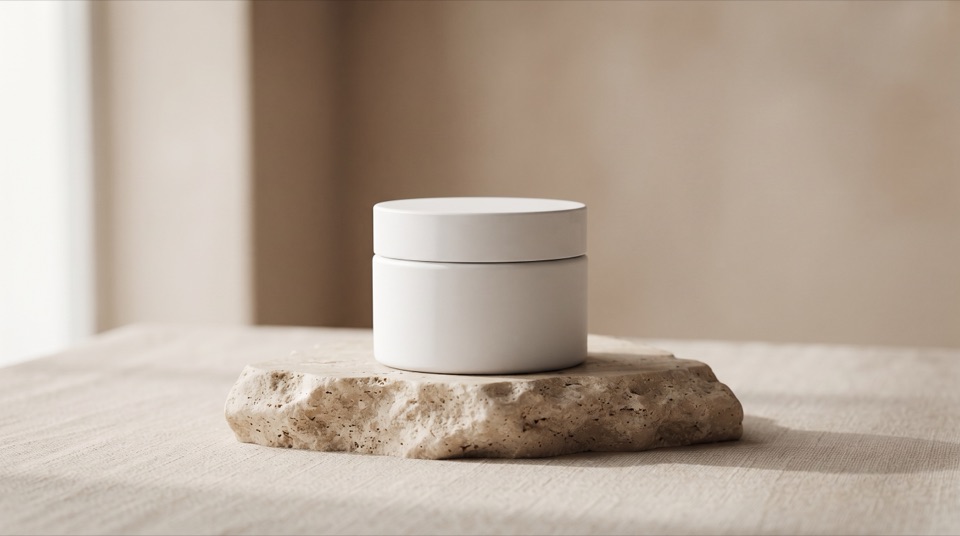
AI Product Photo Generator
Turn plain product shots into studio-grade ecommerce photos and virtual try-on visuals.
Try Now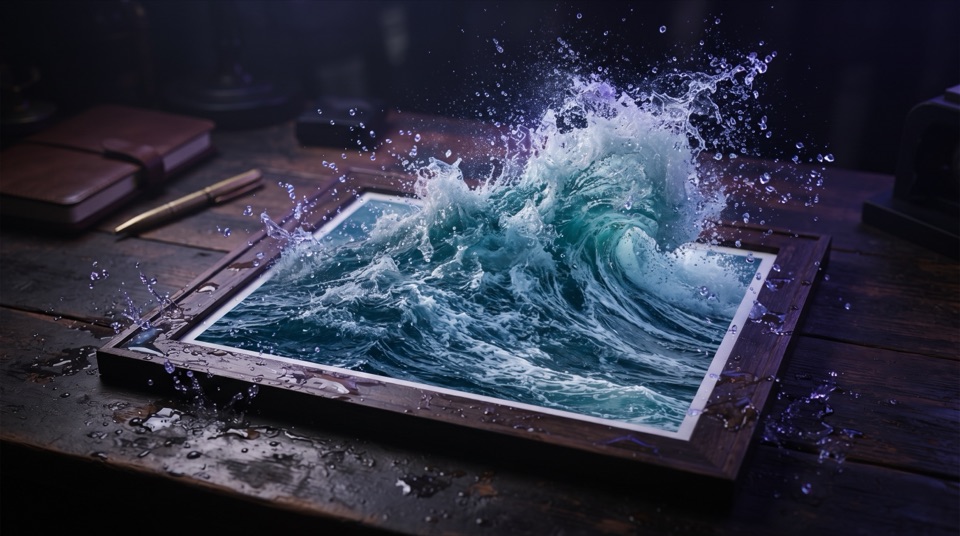
Image to Video
Animate any photo into a dynamic AI video with realistic motion and lighting.
Try Now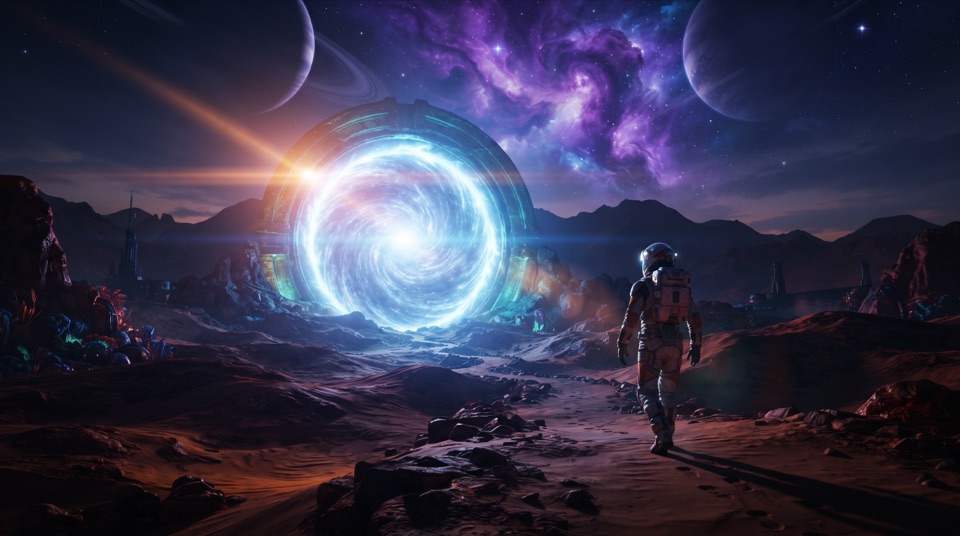
Text to Video
Turn a text prompt into a cinematic AI video in minutes — no camera or editing needed.
Try Now